

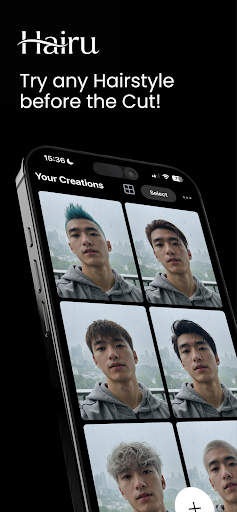
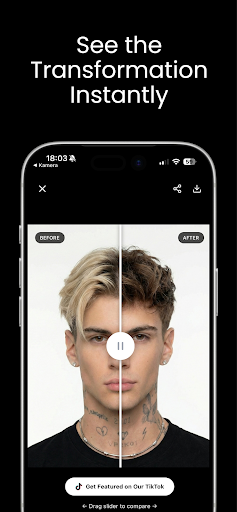
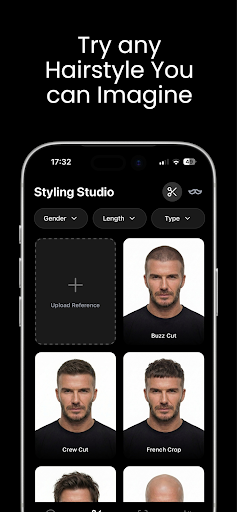
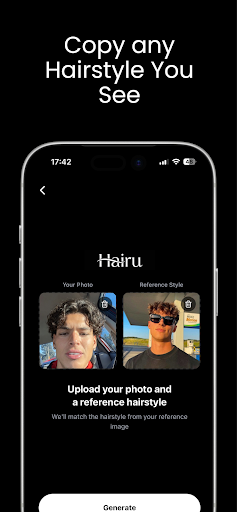
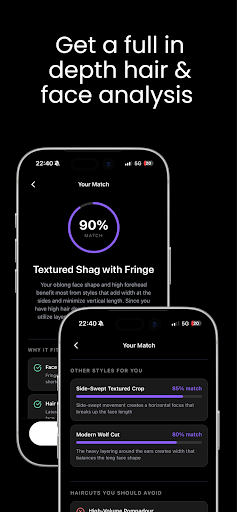
Considering a new hairstyle or color can be a significant decision, and Hairu: Hairstyle Try On offers a way to visualize potential changes before committing. This app allows users to upload a selfie or any photo of themselves, then experiment with an extensive collection of hairstyles and hair colors. Alternatively, users can describe a desired look using a text prompt. The app then generates a photorealistic preview, aiming to provide a clear depiction of how a particular style or color might appear on the user. This process is designed to help individuals preview dramatic hair changes, bold colors, or looks for special events without the need for a physical salon visit.
How Hairu Works
The app’s core workflow involves three steps. First, users upload a photo, which can be a selfie or any other image of themselves. Once a photo is uploaded, users can either browse a collection of pre-existing hairstyles and hair colors or use a text prompt to describe a specific dream look. The app’s AI technology then processes this input to deliver a photorealistic preview of the chosen style or color on the uploaded photo. These previews are generated quickly, allowing for rapid experimentation with various looks.
Exploring Hairstyles and Colors
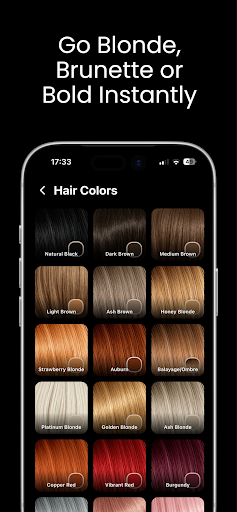
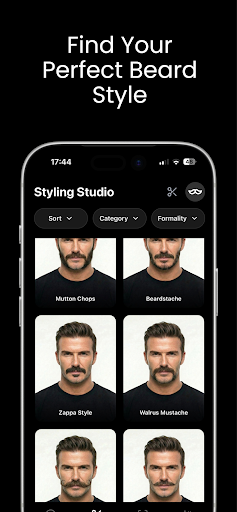
Hairu provides an extensive collection of hairstyles and hair colors, ranging from classic bobs and pixie cuts to beachy waves and sleek straight looks. Users can also preview themselves with different hair colors, including blonde, brunette, redhead, or other vibrant shades. This capability allows for broad experimentation, enabling users to test various styles and colors to find options that align with their preferences before making any physical changes to their hair.
Sharing Previews
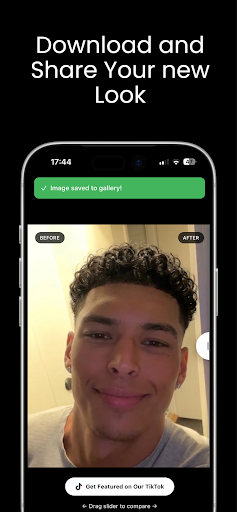
After generating a new look, Hairu supports sharing these previews with friends and family. This feature allows users to gather feedback on potential hairstyles or colors before making a final decision or booking a salon appointment.
Recent Improvements
The app’s recent updates have focused on general performance optimizations and improvements. Additionally, a sign-in button has been added to the start screen. This allows existing users to bypass the initial onboarding process and access the app’s features more directly upon launch.







Write a review